Gestionar las cookies que se utilizan con fines publicitarios, como la personalización de anuncios, el remarketing y el análisis del rendimiento de los anuncios.
4.3.2.11. Contact groups in WebMail classic
Notes:
- The appearance of the WebMail classic interface depends on the theme used, but the principle of operation is the same everywhere.
- Import of contacts from CSV and vCard files is supported — in the "Contacts" section you should press "Import" and follow the instructions.
In WebMail classic, you can create groups of contacts and then send messages to the entire group at once.
- Go to the "Contacts" section.
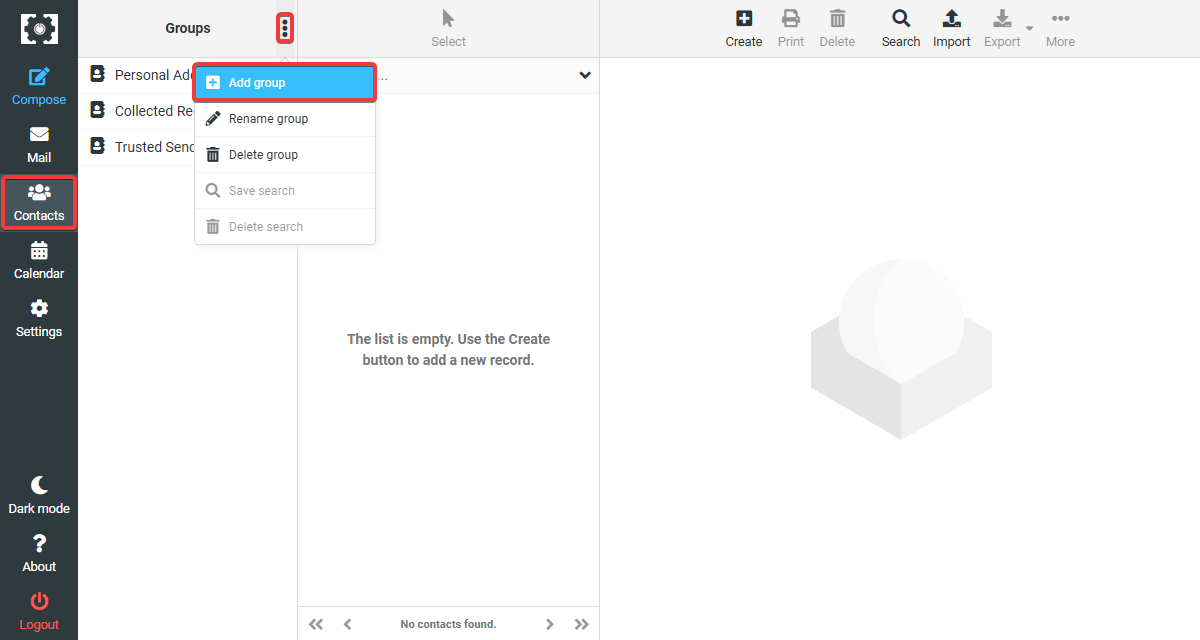
- Create a group — in the block with the list of groups click ➕ or "Add group", specify the name of the new group and save the changes:
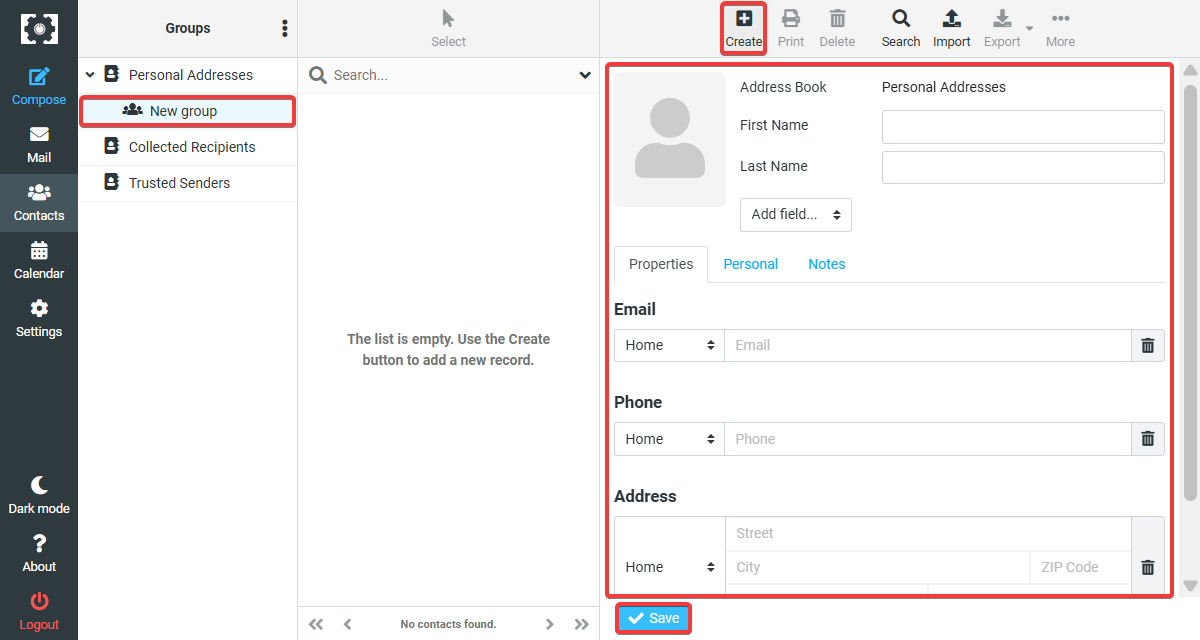
- Refresh the page, select the created group and add contacts to it — in the contacts block click "Create", fill in the contact details and save the changes: